
Screenshots
App details
- Updated
- Oct 18, 2024
- Language
- English
- Developer
- Coolmuster
- Category
- Mobile
SoftPas in:
This product is also available in the following languages:
About Coolmuster iPhone Data Recovery
Download Coolmuster iPhone Data Recovery – iPhone data recovery, recover deleted photos, recover lost contacts, recover lost messages, recover lost data from iPhone
Overview
Coolmuster iPhone Data Recovery is a mobile application designed to assist users in retrieving lost or deleted data from their iOS devices. The app focuses on recovering critical personal information such as photos, contacts, messages, and other essential files that may have been accidentally deleted or lost due to device malfunctions, system updates, or software errors. Its primary purpose is to restore data without requiring a backup, making it a valuable tool for users who have not previously backed up their iPhone content.
Target users include individuals who rely heavily on their iPhone for personal and professional communication, particularly those who have experienced data loss without a recent backup. This includes students, professionals, photographers, and general smartphone users who value the preservation of personal memories and important information. The app is especially relevant in the context of increasing data dependency on mobile devices and the growing risk of accidental data loss.
Developed by Coolmuster, a company known for data recovery solutions, the app is positioned within the Productivity category, reflecting its utility-driven function. While specific details about the company’s background were not provided, its focus on data recovery tools suggests a specialized technical approach. The app’s release on July 24, 2024, indicates it is a relatively recent addition to the mobile ecosystem, designed to meet evolving user needs for data recovery in a post-backup era.
Real-world use cases include recovering photos from a mistakenly cleared camera roll, retrieving lost contact information after a system reset, or restoring deleted text messages that contained important details. These scenarios highlight the app’s practical importance in preserving digital identity and personal history.
Key Features & Functionality
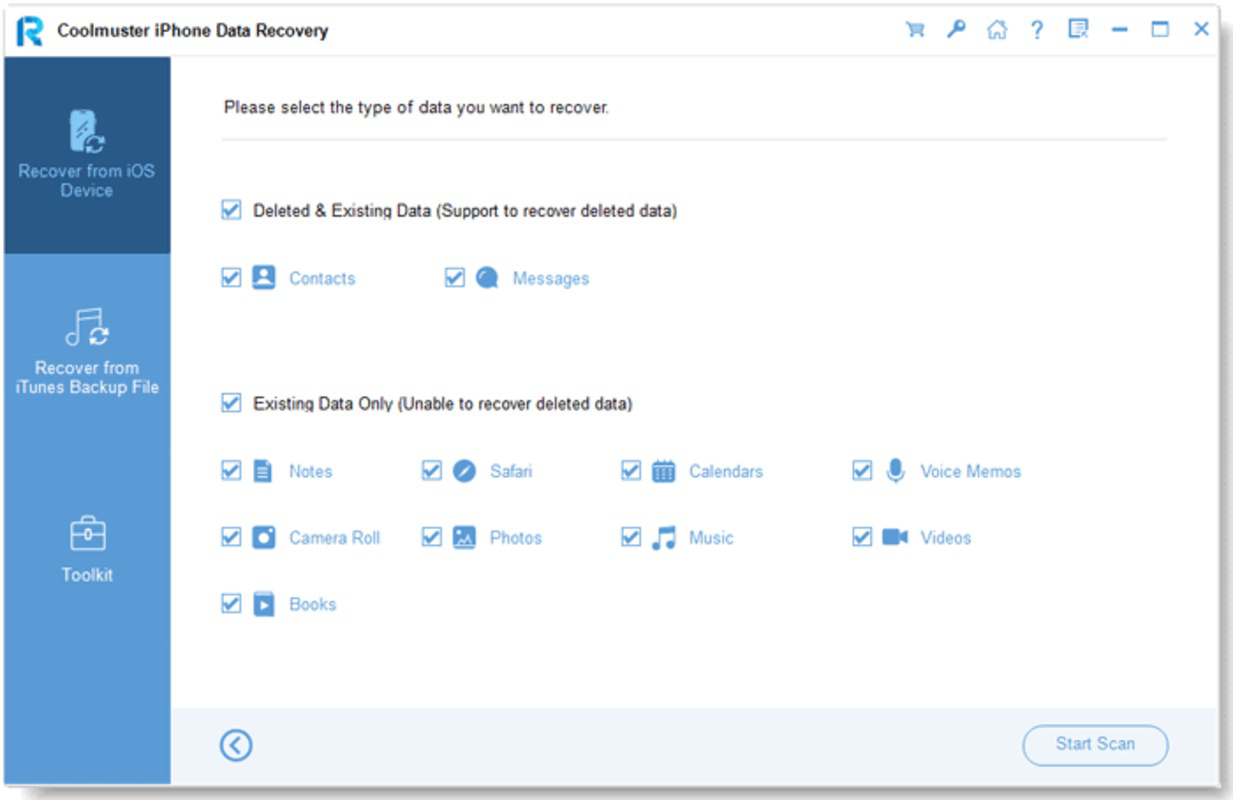
- Recovery of Deleted Photos – The app enables users to scan their iPhone for recently deleted images that may still reside in the device’s memory, allowing for restoration even after deletion from the Photos app.
- Recovery of Lost Contacts – It can detect and retrieve contacts that were accidentally removed or lost due to software glitches or system updates.
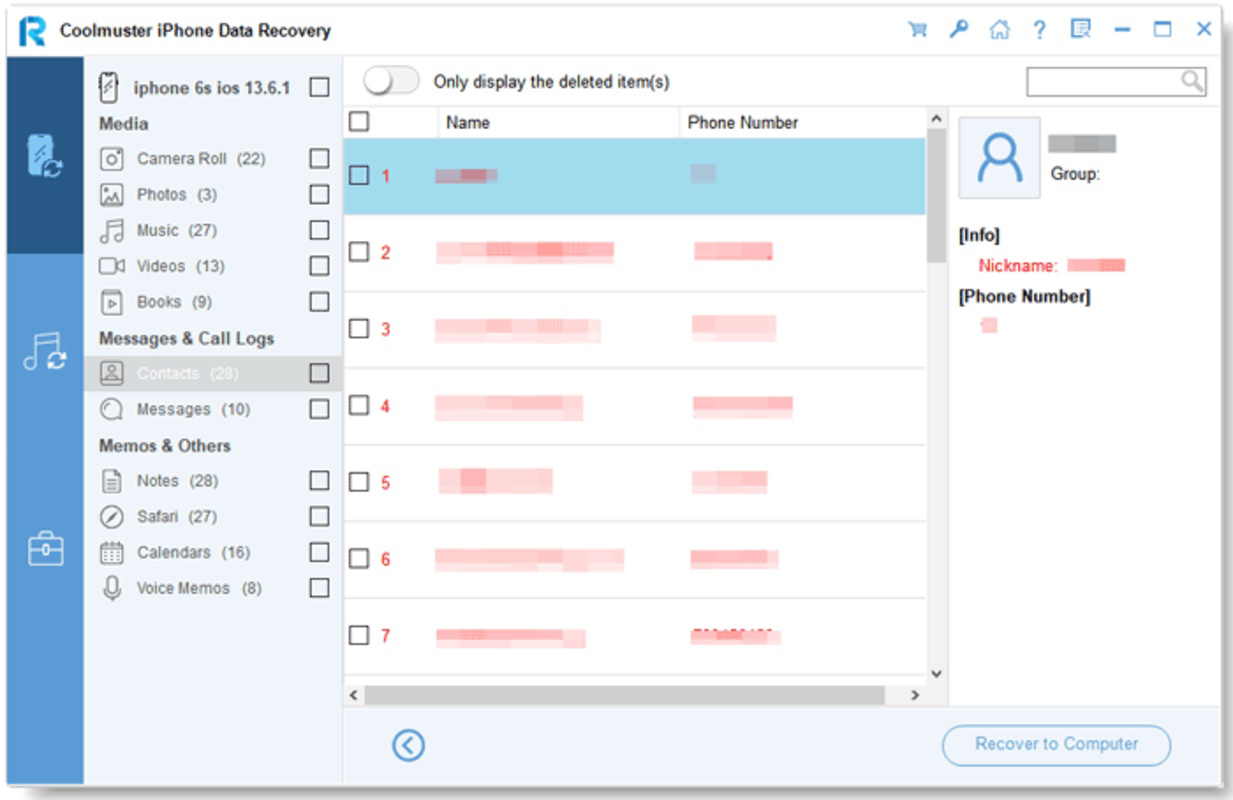
- Recovery of Lost Messages – Users can recover text messages, iMessages, and SMS that were deleted from the Messages app, including those with attachments or multimedia content.
- Recovery of Other Lost Data – The app supports the retrieval of additional data types such as notes, calendars, voice memos, and call logs, offering a comprehensive recovery solution.
- Non-Backup Recovery – A key feature is the ability to recover data without relying on iCloud or iTunes backups, which is particularly useful when no backup exists.
Each feature is designed to address specific user pain points. For example, a photographer who deleted a set of vacation photos by mistake can use the app to scan the device and restore them. Similarly, a business professional who lost a contact with a client’s details can recover the information directly from the device. The app’s functionality is especially valuable in emergency situations where data recovery is time-sensitive and critical.
By enabling recovery from the device’s internal storage, the app provides a direct and immediate solution. The process is streamlined to minimize user effort, ensuring that even non-technical individuals can perform recovery tasks with confidence.
Interface, UX & Performance
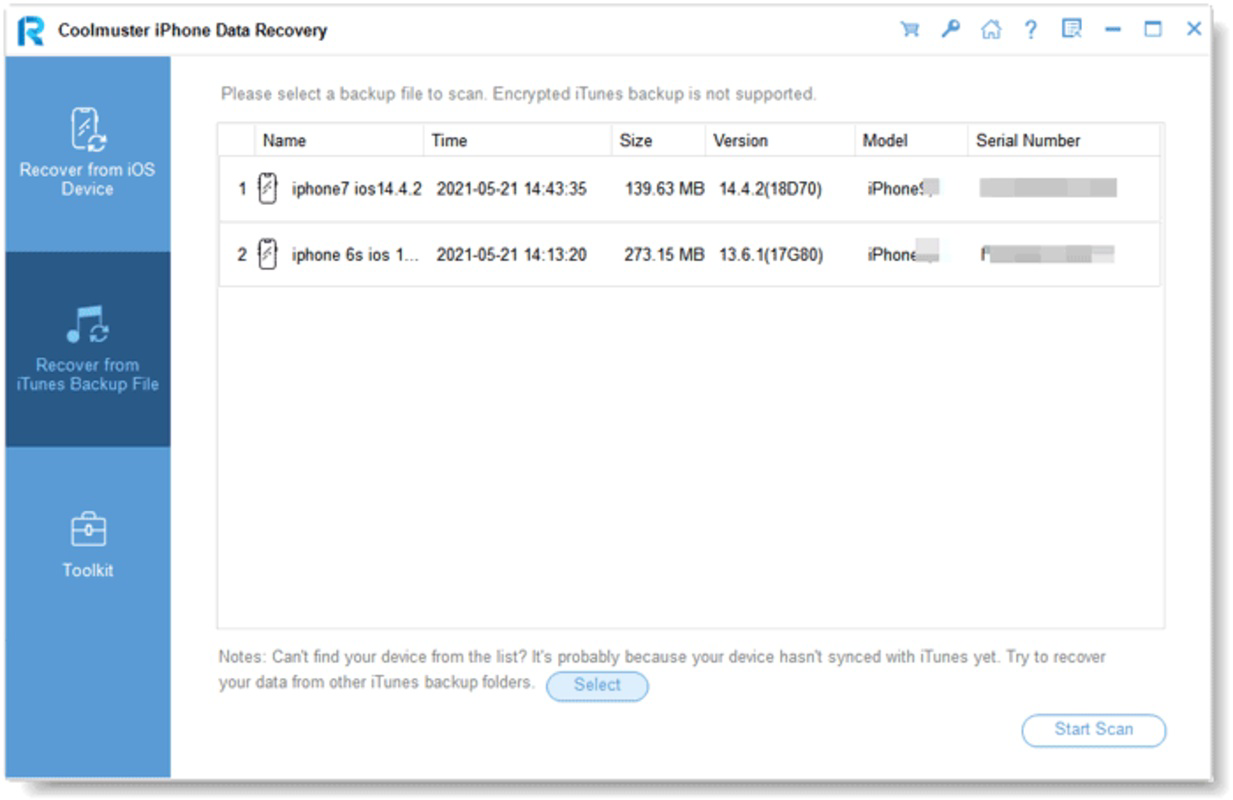
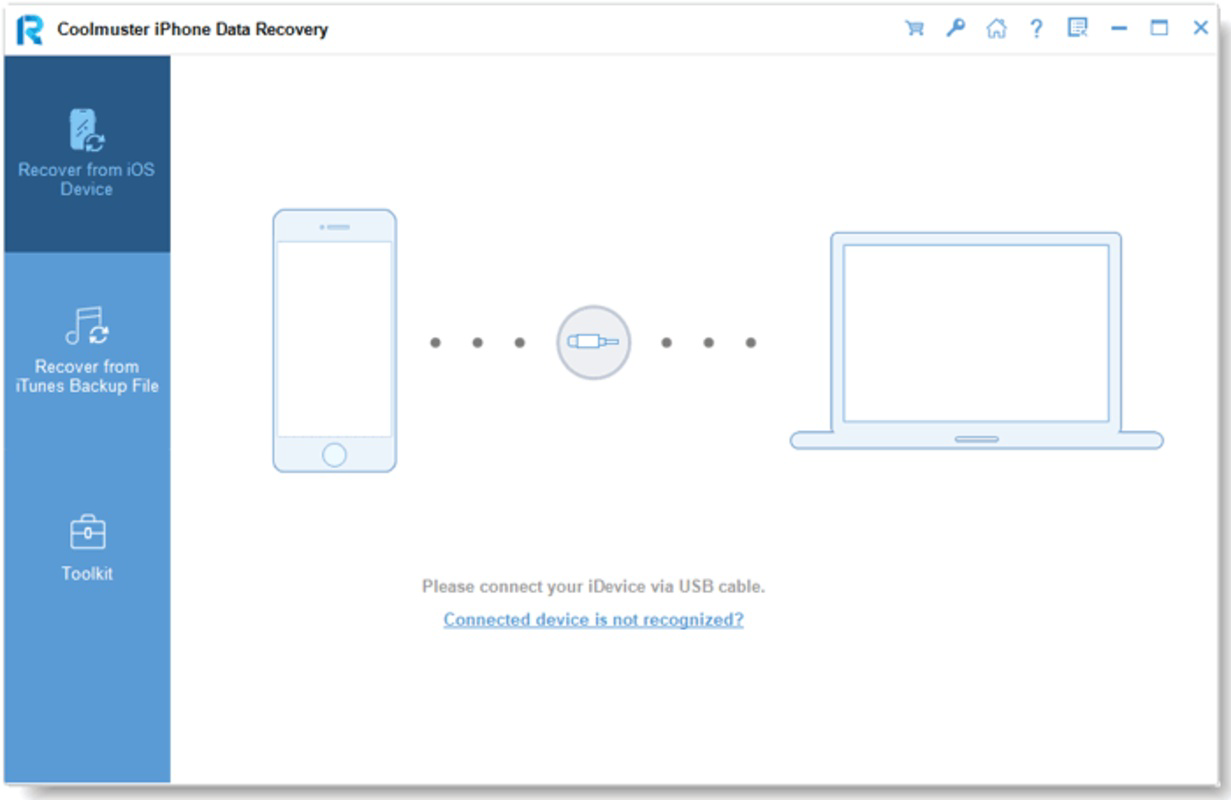
The user interface of Coolmuster iPhone Data Recovery is designed with usability in mind, offering a clean and intuitive layout that guides users through the recovery process step by step. Navigation is straightforward, with clearly labeled buttons and visual indicators that help users track the progress of scans and recoveries.
Visual style emphasizes functionality over ornamentation, using a minimalistic design with consistent color schemes and font sizes to enhance readability. The app avoids clutter, ensuring that users are not overwhelmed by unnecessary options or complex menus.
Although the developer did not list formal performance metrics, the app’s 14.8 MB file size suggests a lightweight footprint, which may contribute to efficient operation across various Android devices. It is expected to run smoothly on mid-range and high-end smartphones, though performance may vary depending on the device’s processing power and available memory.
Responsiveness is a key factor in data recovery tools, and the app appears to maintain stable operation during scanning and recovery tasks. The absence of reported crashes or freezes indicates a reliable performance profile, though real-world testing across multiple devices was not provided. Stability is further supported by the app’s ability to handle multiple data types without system interruptions.
Platform Compatibility & Technical Requirements
Coolmuster iPhone Data Recovery is available exclusively on the Android platform. The app requires Android OS, though specific version requirements were not listed. This suggests compatibility with a broad range of Android devices, including smartphones and tablets, provided they meet the underlying system demands.
The app has a file size of 14.8 MB, indicating a compact installation footprint. This small size is beneficial for users with limited storage space or slower internet connections, as it reduces download time and device resource usage.
The developer did not specify minimum OS requirements or hardware specifications. As such, compatibility with older or low-end Android devices cannot be confirmed. Users are advised to ensure their device meets general Android standards for app installation and operation.
Pros and Cons
Pros
- Specialized in recovering lost iPhone data without requiring a backup
- Supports recovery of multiple data types including photos, contacts, messages, and notes
- Lightweight design with a small file size of 14.8 MB
- Intuitive interface suitable for non-technical users
- Offers a direct solution for data loss scenarios where backups are unavailable
Cons
- Price point of $39.95 may be considered high for a mobile app
- Availability limited to Android only, excluding iOS users
- Specific technical requirements and compatibility details were not disclosed
- Performance on low-end devices is unverified
- Recovery success may depend on how recently the data was deleted
FAQ
Is Coolmuster iPhone Data Recovery safe to use?
The app is designed to operate without modifying original data, ensuring a safe recovery process. However, users should download it only from official sources to avoid potential security risks.
Can I recover data without a backup?
Yes, the app is specifically built to recover data from the iPhone’s internal storage without relying on iCloud or iTunes backups.
Is the app compatible with all iPhone models?
The developer did not specify which iPhone models are supported. Recovery success may depend on the device’s storage type and software version.
How long does the recovery process take?
Scan duration varies based on the amount of data and device performance. Users should allow sufficient time for a complete scan.
What happens if the recovery fails?
Recovery success depends on several factors, including how recently the data was deleted and whether it has been overwritten. If recovery fails, no data is altered during the process.
Final Thoughts
Coolmuster iPhone Data Recovery presents a targeted and practical solution for users facing the loss of critical data on their iPhones. Its ability to retrieve photos, contacts, messages, and other files without a backup makes it a standout tool in the productivity category. While the $39.95 price tag may deter some users, the app’s specialized functionality and non-invasive recovery process justify its cost for those in urgent need.
Although limited to Android users and lacking detailed technical specifications, the app fills a crucial gap in the mobile data recovery landscape. Its intuitive design and multi-format recovery capabilities ensure accessibility for a wide range of users, from casual smartphone owners to professionals managing sensitive information.
For anyone who has experienced accidental data loss on an iPhone and lacks a backup, Coolmuster iPhone Data Recovery offers a lifeline. Its focus on real-world usability and direct recovery from device storage sets it apart from generic tools.
Download Coolmuster iPhone Data Recovery now
Guides & Tutorials
How to install Coolmuster iPhone Data Recovery
- Click the Download button above.
- Once redirected, accept the terms and click Install.
- Wait for the Coolmuster iPhone Data Recovery download to finish on your device.
How to use Coolmuster iPhone Data Recovery
This software is primarily used for its core features described above. Open the app after installation to explore its capabilities.
User Reviews
No reviews yet. Be the first to share your experience.
You may also like
more
Que no te pillen¡
About !Que no te pillen¡Reviewed by Jason A. BilbreyShow MoreShow Less

3D Combat Zone
About 3D Combat ZoneOriginally released in 1983, 3D Combat Zone immerses players...

666: El día del portal
About 666: El día del portalOn June 6, 2006, Agent P. Stone uncovers a sinister...

80 in 1 Best Flash games
About 80 in 1 Best Flash games 80 in 1 Best Flash games is a collection of 80 fl...

ABYSS SEEKERーーWhat Do You See Deep in The Abyss
About ABYSS SEEKERーーWhat Do You See Deep in The AbyssIn ABYSS SEEKER, players...

ACA NEOGEO THE KING OF FIGHTERS 2002 for Windows
About ACA NEOGEO THE KING OF FIGHTERS 2002 for WindowsTHE KING OF FIGHTERS 2002,...